
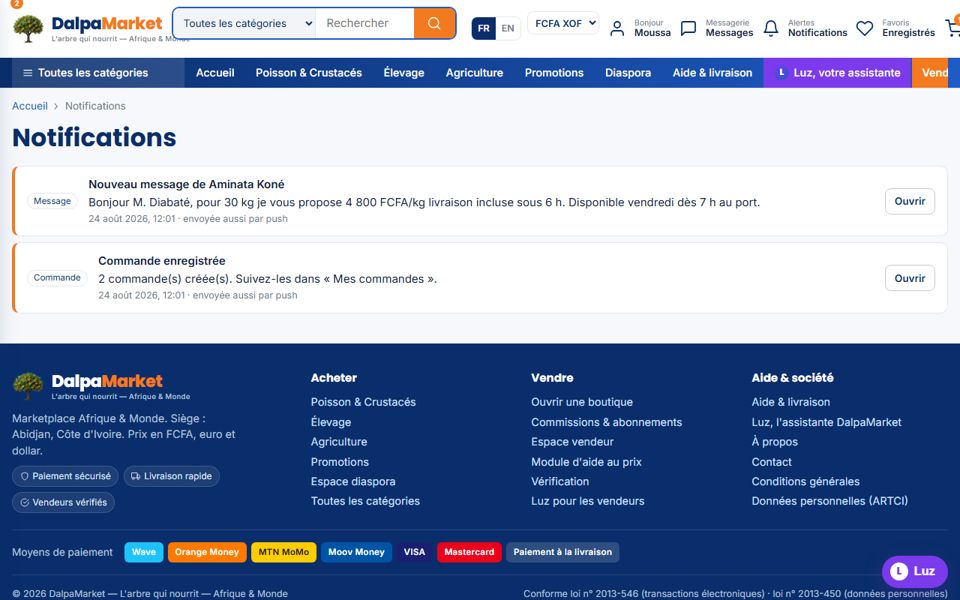
Order paid, parcel shipped, new message, review received, document approved: every important event is notified on the channels of your choice.
- 1Check the bell
The "Alerts" icon in the header gathers all your notifications; the badge shows the unread ones.
- 2Enable push notifications
On the Notifications page: "Enable push notifications", accept the browser prompt, then "Send a test". Works on Android, Windows, and iPhone once the site is added to the home screen.
- 3Email and WhatsApp
If your email and WhatsApp number are set on the account, important notifications are duplicated there.
- 4Install the app
DalpaMarket installs like an app (browser menu → "Add to home screen"): instant launch and offline mode.